Brother HL-L3230CDW
Installation
In your /etc/nixos/configuration.nix, apply the following configuration:
{
  services = {
      printing = {
        enable = true;
        drivers = [ pkgs.gutenprint ];
      };
      avahi = {
        enable = true;
        nssmdns4 = true;
        openFirewall = true;
      };
  }
}
This will:
- Enable Avahi
- Enable
.localhostname resolution using Avahi - Allow for WLAN services to pass through firewall
After running nixos-rebuild switch, your Avahi control panel will be available at http://localhost:631
To connect to the printer through IPP (driverless):
- Head to http://localhost:631/admin
- Click
Add Printer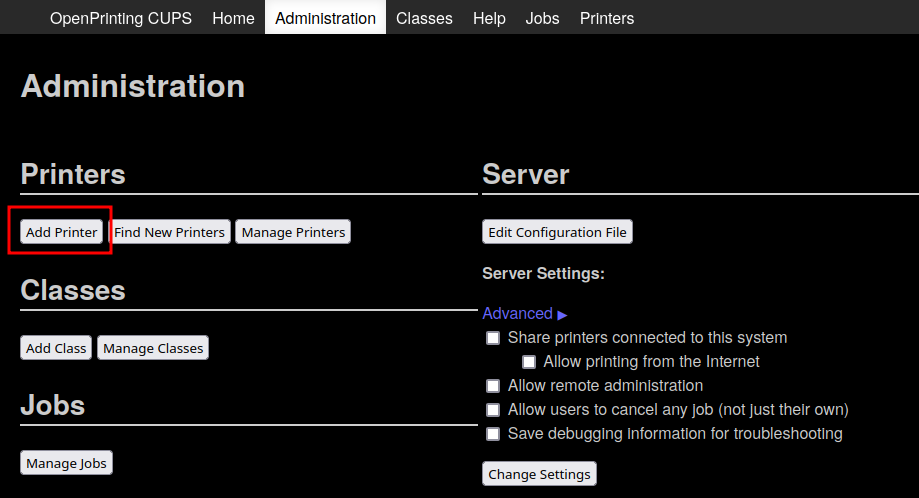
- Select the
Brother HL-L3230CDWprinter in the foundDiscovered Network Printerslist and clickContinue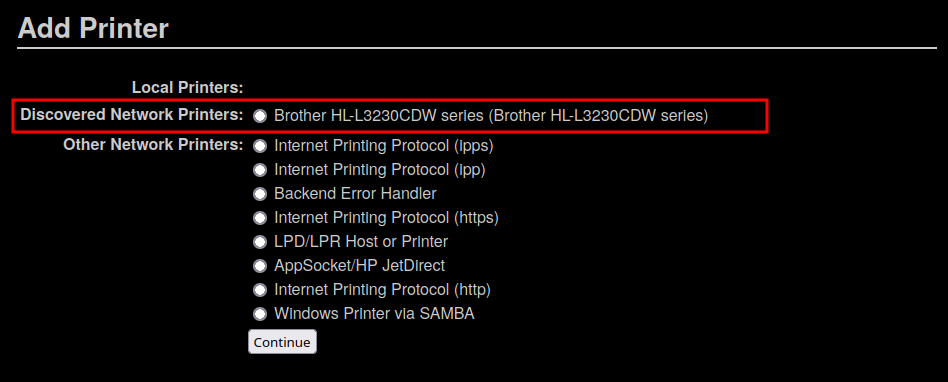
- Keep the default settings for the printer, clicking
Continue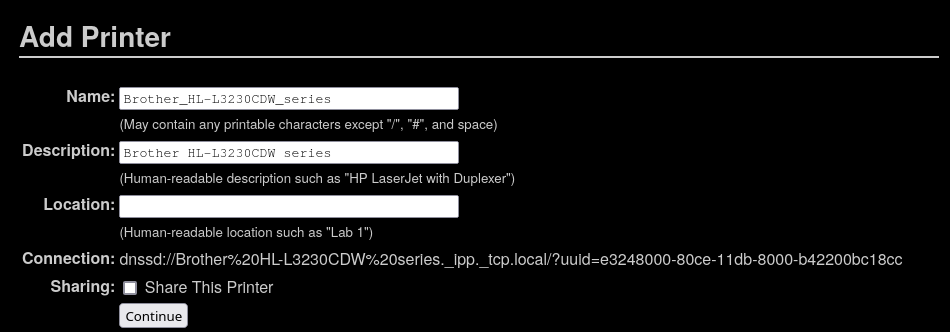
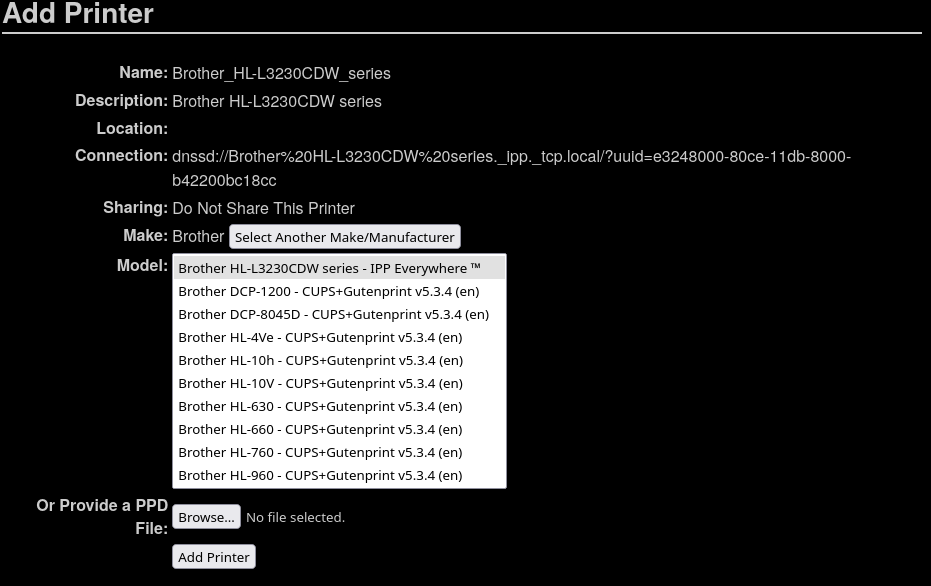
- The make and model of the printer should be automatically detected for the printer. If not, make sure to select
Brotheras the make and the IPP Everywhere driver.